
- Your cart is empty
- Continue Shopping

-12%


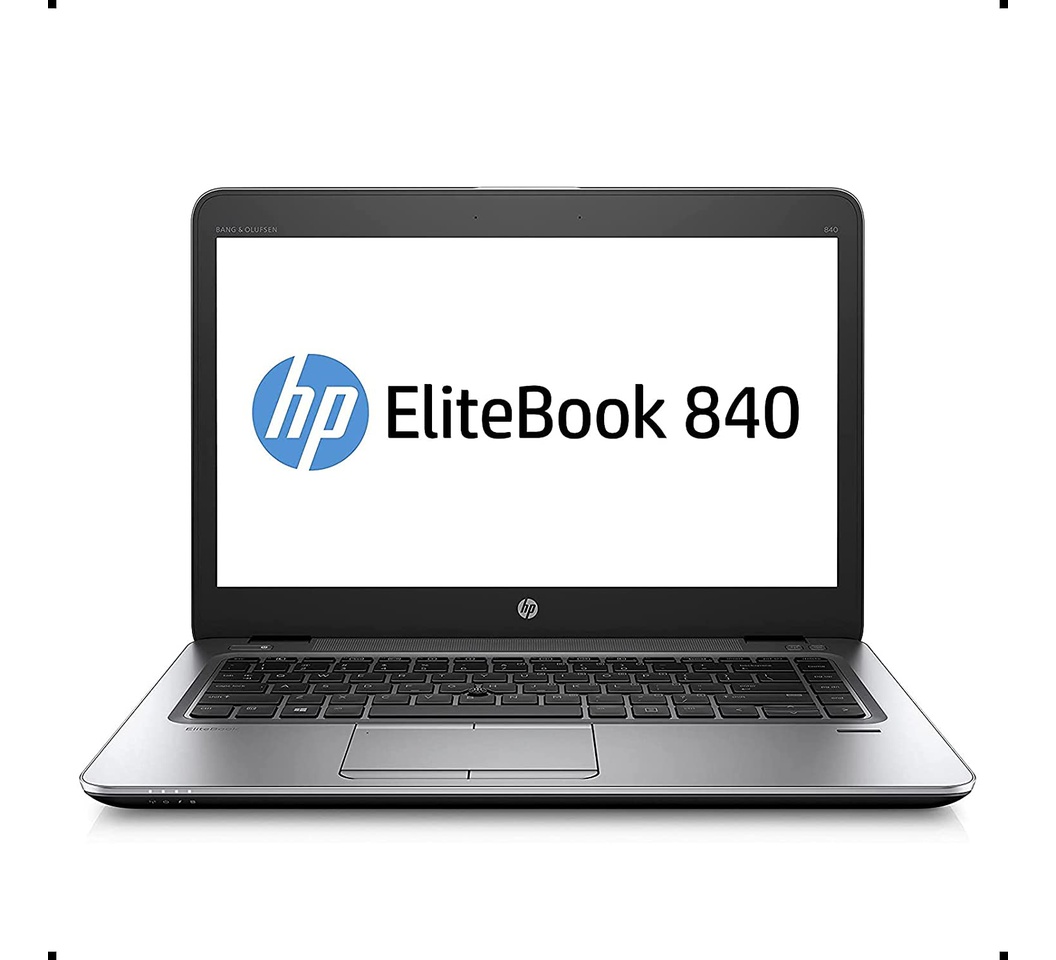

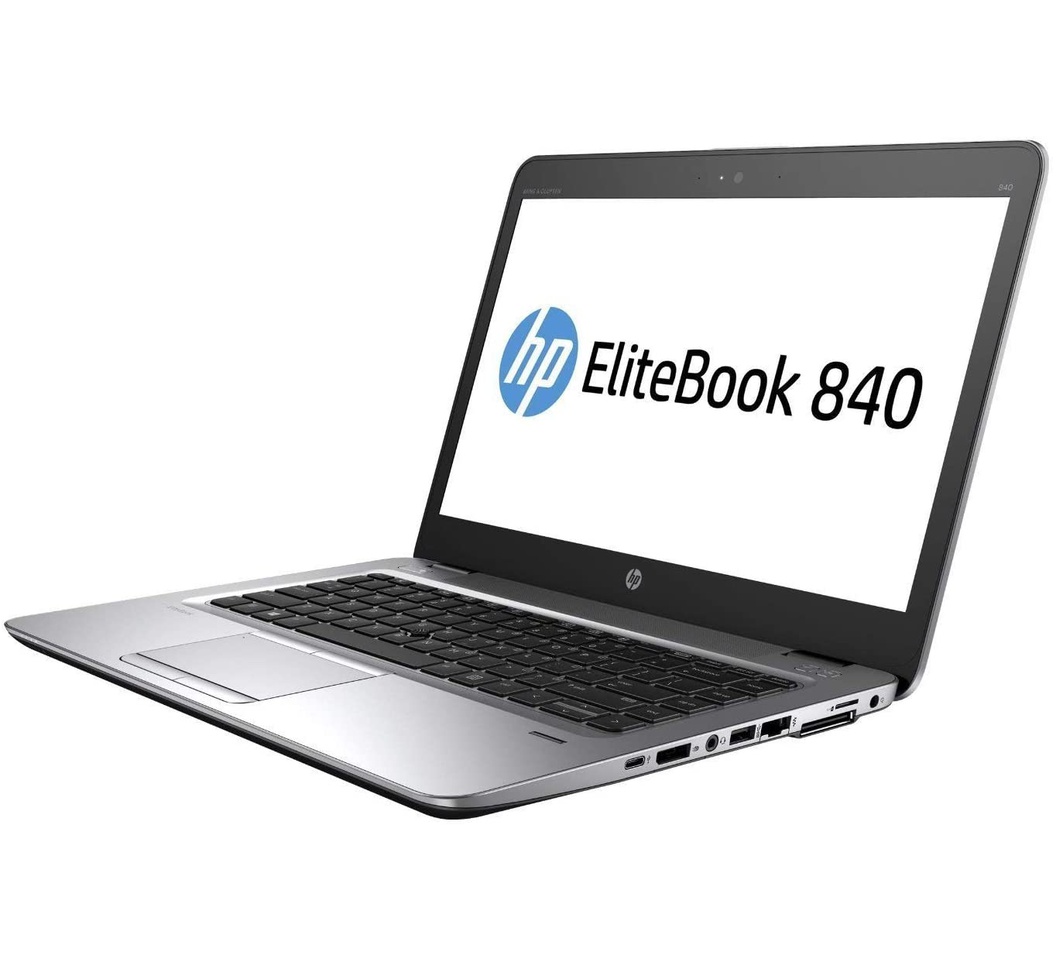

HP EliteBook 840 G3 Laptop 14″ HD Display, Intel Core i5-6300U 2.4Ghz, 256GB SSD, 8GB DDR4 RAM, Webcam, WiFi, Windows 10 Pro
KSh 21,999.00Current price is: KSh 21,999.00. Original price was: KSh 25,000.00.
Key Features
Performance
-
Processor: Intel Core i5-6300U (6th Gen)
Dual-core, 2.4GHz base speed (Turbo Boost up to 3.0GHz) -
RAM: 8GB DDR4 (upgradable)
-
Storage: 256GB Solid State Drive (SSD)
Fast boot times and responsive application performance -
Operating System: Windows 10 Pro (64-bit)
Business-ready with enhanced security and productivity tools
Add to cart
Buy Now
Descriptions
HP EliteBook 840 G3 Laptop 14″ HD Display, Intel Core i5-6300U 2.4Ghz, 256GB SSD, 8GB DDR4 RAM, Webcam, WiFi, Windows 10 Pro
Key features
Performance & Core Hardware
| Component | Details |
|---|---|
| CPU | Intel Core i5‑6300U — dual‑core (2 cores / 4 threads), base clock ~2.4 GHz, Turbo up to ~3.0 GHz. |
| Memory (RAM) | 8 GB DDR4‑2133 MHz; upgradable (max ~32 GB) depending on configuration. |
| Storage | 256 GB SSD (often M.2, PCIe) for fast boot and app‑load times. |
Display & Graphics
| Feature | Detail |
|---|---|
| Screen size / type | 14‑inch display. Many versions have Full HD (1920×1080) with anti‑glare, SVA panel. |
| Brightness / Viewing | Typical brightness ~300 cd/m² in many FHD versions. Anti‑glare helps outdoors / in bright settings. |
| Graphics | Integrated Intel HD Graphics 520. Sufficient for general productivity, video streaming, light graphics work. Not for heavy gaming or GPU‑intensive tasks. |
Build, Portability & Design
| Feature | Detail |
|---|---|
| Dimensions & Weight | Slim design, about 1.48 kg in many configurations; height / thickness ~18.9 mm. |
| Durability | Business‑grade build with spill‑resistant keyboard; often MIL‑STD 810G tested for shock, vibration, temperature etc. |
Connectivity & Ports
| Feature | Details |
|---|---|
| USB / Video / Networking | USB Type‑A (usually USB 3.0), USB Type‑C, DisplayPort, VGA, RJ‑45 (Ethernet), docking connector, headphone/mic combo jack. |
| Wireless | Dual‑band WiFi (802.11 a/b/g/n/ac), Bluetooth 4.2. Some models may include mobile broadband (SIM module). |
Battery & Power
| Feature | Details |
|---|---|
| Battery | 3‑cell Lithium‑ion, ~46 Wh typical. |
| Battery life | Up to ~13 to 13.5 hours under light usage in some configurations. Real‑world will be lower depending on workload. |
| Power Adapter | ~65 W Smart AC adapter commonly used. |
Security & OS
| Feature | Details |
|---|---|
| Operating System | Windows 10 Pro. |
| Security Features | TPM (1.2 or 2.0), optional smart card reader, fingerprint reader in some units; BIOS‑level protections like HP Sure Start. Privacy screen (HP Sure View) is optional on certain models. |
Pros & Trade‑Offs
Pros:
-
Good balance of portability + performance for office / business work.
-
Fast storage and SSD give snappy boot/app times.
-
Strong build quality and good security features.
-
Variety of ports (VGA, DisplayPort, etc.) so fewer dongles needed.
Limitations:
-
Integrated graphics only – not suited for heavy graphics work.
-
Battery life depends a lot on workload; heavy usage, brightness, etc., reduces it.
-
Older generation CPU (6th gen), so may not be as energy efficient or future‑proof as newer machines.
Related products
HP NoteBook Laptop 15 – 15-BS151nia (3XY28EA) – Intel Core i3 – 4GB RAM – 500GB HDD – 15.6″ – Free DOS
KSh 51,500.00Current price is: KSh 51,500.00. Original price was: KSh 55,000.00.
Lenovo Legion Slim 7 Gaming Laptop (82HS00JEAU) – 15.6 Inch Display, 11th Generation AMD Ryzen 7, 16GB RAM/512 GB Solid State Drive
KSh 147,999.00Current price is: KSh 147,999.00. Original price was: KSh 155,000.00.
HP ProBook 430 G4 Notebook PC Intel Core i5-7500U @2.7GHz 8GB 256GB SSD Intel HD Graphics 620
KSh 27,000.00Current price is: KSh 27,000.00. Original price was: KSh 28,000.00.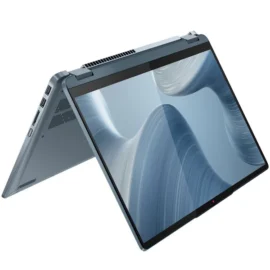
Lenovo IdeaPad Flex 5 Laptop 14IAU7 – Intel Core i7-1255U 12th Gen, 16GB RAM LPDDR4x 4266, 512GB SSD M.2 2242 PCIe 4.0×4 NVMe, 14″ WUXGA Touch Screen, Windows 11 Home – 82R700E0UE
KSh 118,990.00Current price is: KSh 118,990.00. Original price was: KSh 130,000.00.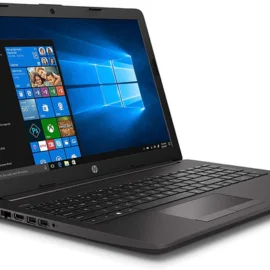
HP 250 G7 Notebook PC Laptop Core i5, 8GB RAM, 1 TB HDD(6HL20EA)
KSh 58,799.00Current price is: KSh 58,799.00. Original price was: KSh 60,000.00.
HP ProBook 430 G3-6th Gen Intel Core i5 – 8GB RAM – 256GB SSD- 13.3 inches
KSh 28,999.00Current price is: KSh 28,999.00. Original price was: KSh 30,000.00.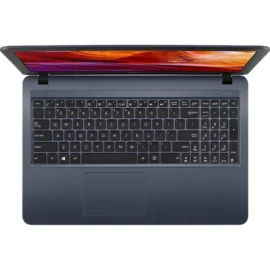
Asus X543U Intel Core i5-8250U Processor 15.6″ HD Display 8GB DDR4 RAM 1TB(1000GB) ROM HDD 2GB Dedicated Graphics Windows 10 1 Year Warranty
KSh 59,999.00Current price is: KSh 59,999.00. Original price was: KSh 62,000.00.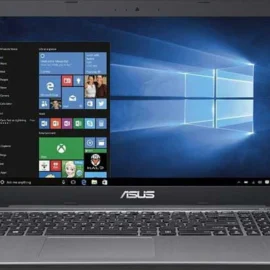
Reviews
There are no reviews yet.